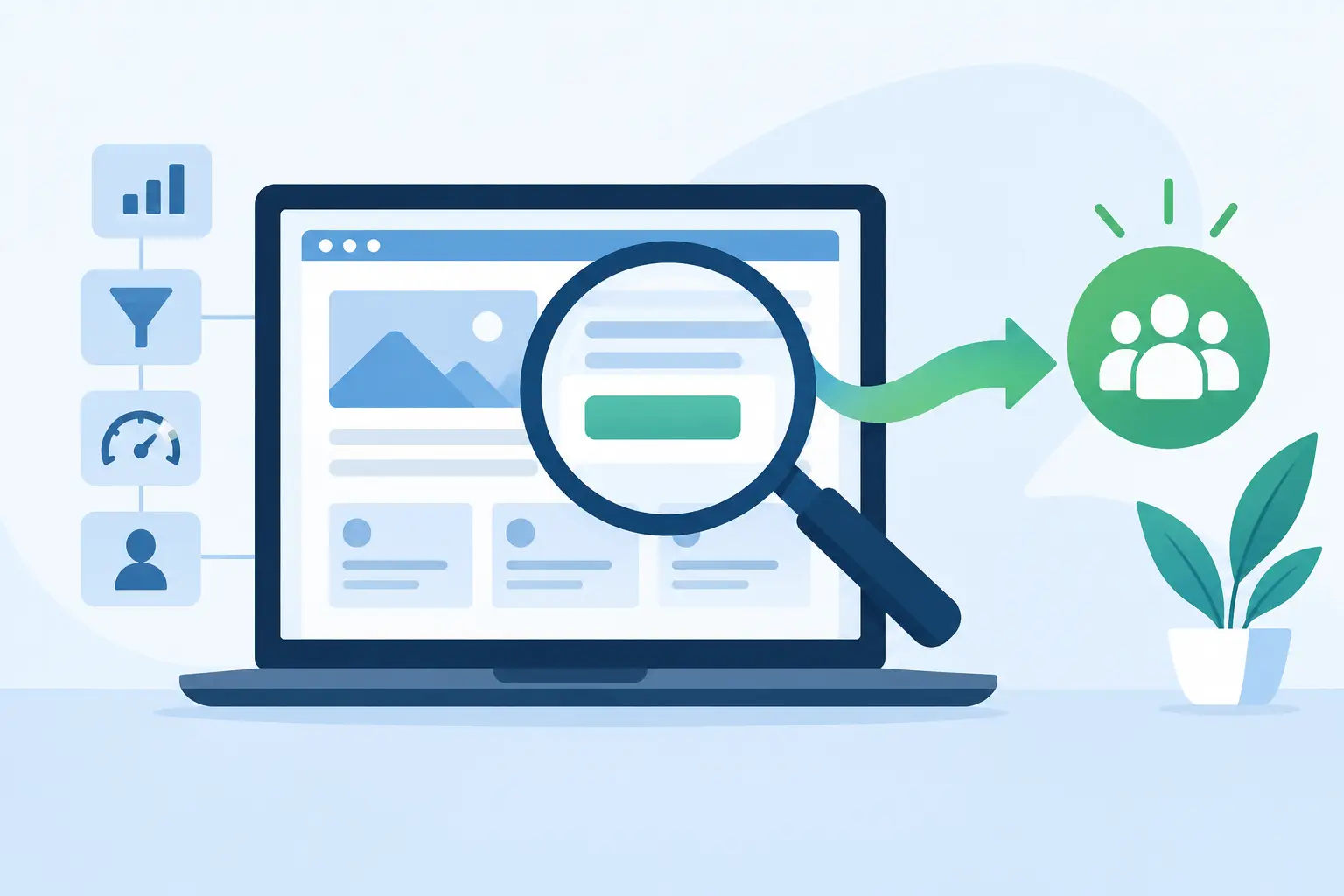
A busy service business rarely loses a customer because its team does poor work. More often, the loss happens earlier: a homeowner cannot find the right service page, a prospective client gives up on a long form, or a call goes unanswered while everyone is on a job site. A website conversion audit identifies those points of friction and turns them into practical improvements.
For local businesses, a conversion is not always an online purchase. It may be a phone call, a booking, a quote request, a directions request, or a completed contact form. The goal is simple: make it easier for the right customer to take the next step, then make sure your team can handle that inquiry without delays or confusion.
What a Website Conversion Audit Actually Reviews
A conversion audit is not a cosmetic review of whether a website looks modern. Design matters because it affects trust, but the real question is whether the site supports the way customers choose and contact your business.
For a contractor, that might mean a visitor can quickly confirm that you serve their area, see examples of relevant work, and request an estimate without typing a long explanation. For a restaurant or venue, it could mean that menus, hours, reservations, private-event inquiries, and location details are all easy to find on a phone. For an appointment-based business, it means customers can see available times and book without waiting for a callback.
A useful audit follows the customer journey from first visit to final handoff. It looks at the public-facing experience and the operational system behind it. If a form submission sits in an unmonitored inbox, the website may technically convert, but the business still loses the lead.
Start With the Actions That Matter to Your Business
Before reviewing page layouts or button colors, define what a good lead looks like. Many businesses track website traffic but cannot say which actions produce booked work, qualified estimates, or repeat customers. That makes it difficult to know what should be fixed first.
For most local service companies, priority actions include phone calls, form submissions, booking requests, online quote requests, and clicks to get directions. A business that handles larger commercial projects may care more about detailed consultation requests than instant booking. A salon, clinic, or fitness studio may place more value on confirmed appointments and reminder workflows.
The audit should also separate high-intent actions from casual engagement. A person reading a blog post is not necessarily ready to hire you. Someone who visits your service-area page, reviews project photos, and opens a quote form is much closer. Understanding that difference helps you focus on the pages and pathways that affect revenue.
Look Beyond the Final Form Submission
A final conversion number can hide the real problem. If many visitors start a form but very few submit it, the form itself may be too demanding, unclear, or unreliable on mobile. If visitors frequently click your phone number but calls are missed, the issue is not the website button. It is call handling.
This is why a conversion audit should review the full chain: how people find the site, what they see first, what action they take, where the inquiry goes, and how quickly someone responds. A stronger website cannot compensate for a lead process that drops inquiries after they arrive.
Review the First 15 Seconds
Most visitors decide quickly whether they are in the right place. Your homepage and key landing pages should answer a few practical questions without making people hunt for them: What do you do? Who do you serve? Where do you work? What should the visitor do next?
Generic statements such as “quality service you can trust” do not give a customer enough information to act. Clearer language names the service, the location or service area, and the outcome. A visitor looking for emergency plumbing, event space, painting estimates, or dental appointments should immediately see that your business is relevant.
Trust signals belong near the decision point, not buried on an About page. Depending on the business, this may include real project photography, before-and-after work, reviews, certifications, years in business, recognizable local clients, pricing guidance, or a clear explanation of your process. The right mix depends on what customers need to feel confident before contacting you.
A polished site with stock photos and vague copy can still underperform. People hire local businesses based on confidence that the company is real, capable, responsive, and equipped for their specific need.
Audit Mobile Use, Not Just Desktop Appearance
For many service businesses, mobile visitors are often the most urgent prospects. They may be standing in a damaged kitchen, sitting in a parking lot, or trying to make a reservation outside business hours. A page that looks fine on a desktop can be frustrating when used one-handed on a phone.
Check whether phone numbers are easy to tap, calls to action remain visible, menus are simple, forms are short enough to complete, and images do not push key information too far down the page. Test the booking flow yourself on a phone using regular cellular service, not only office Wi-Fi.
Speed is part of the experience as well. Large video files, uncompressed photography, unnecessary pop-ups, and overloaded page builders can delay a page enough to lose an impatient visitor. Visual media is valuable when it proves the quality of your work. It should not become an obstacle to reaching you.
Find Friction in Calls, Forms, and Booking
A conversion path should ask for only what is needed at that stage. If someone wants a general estimate, asking for every project detail, budget range, file upload, preferred date, and full address can create unnecessary resistance. A shorter first step may be enough to start the conversation.
That does not mean every form should be minimal. Some businesses need qualification information to avoid wasting time on poor-fit inquiries. The trade-off is between lead volume and lead quality. A good audit helps decide where detail is useful and where it is simply making a customer work too hard.
The same principle applies to booking. Real-time availability can reduce back-and-forth for consultations, appointments, and venue tours. But if bookings require approval, the confirmation language must set expectations clearly. Tell customers whether their time is confirmed, requested, or pending a staff response.
Phone calls need the same attention. If calls are a primary source of revenue, review what happens after hours, during busy periods, and when the front desk is unavailable. A clear voicemail process, call routing, or AI receptionist can protect opportunities that would otherwise disappear. The technology matters less than the outcome: every legitimate inquiry gets a timely, useful response.
Check What Happens After a Lead Arrives
This is where many website projects stop too early. A form should not simply send an email to several people and hope someone takes ownership. It should create a clear next step.
A connected lead process can place the inquiry in one central system, notify the right person, send an immediate acknowledgment to the customer, assign follow-up, and track the outcome. For businesses that schedule work, it can also connect estimates, approvals, jobs, invoices, and reminders instead of forcing staff to re-enter the same details across separate tools.
The right setup depends on your volume and workflow. A small owner-operated business may need a straightforward inbox and fast mobile notifications. A growing team with multiple technicians or locations may need lead assignment rules, pipeline visibility, scheduling coordination, and automated follow-up. The audit should recommend only the level of system your business can realistically use.
Use Evidence, Then Make Focused Changes
Website decisions should be guided by real behavior, not personal preference alone. Review which pages bring in inquiries, where visitors leave, which devices they use, how long staff take to respond, and which lead sources become paying customers. Call recordings, booking data, form activity, and sales notes can add context that traffic reports cannot provide.
Then prioritize fixes by business impact. A broken contact form, hidden phone number, unclear service area, or missed-call problem deserves attention before a minor visual adjustment. In many cases, a handful of practical changes can improve results more than a full redesign.
A website conversion audit is most valuable when it produces a clear action plan: what to fix now, what to test next, who owns each step, and how success will be measured. NorthPeak approaches this work as part of a connected customer-acquisition and operations system, because a lead only has value when it reaches the right person and moves forward.
Your website should not ask busy customers to be patient, persistent, or technically savvy. It should make choosing your business feel straightforward, then give your team the structure to deliver on that first promise.