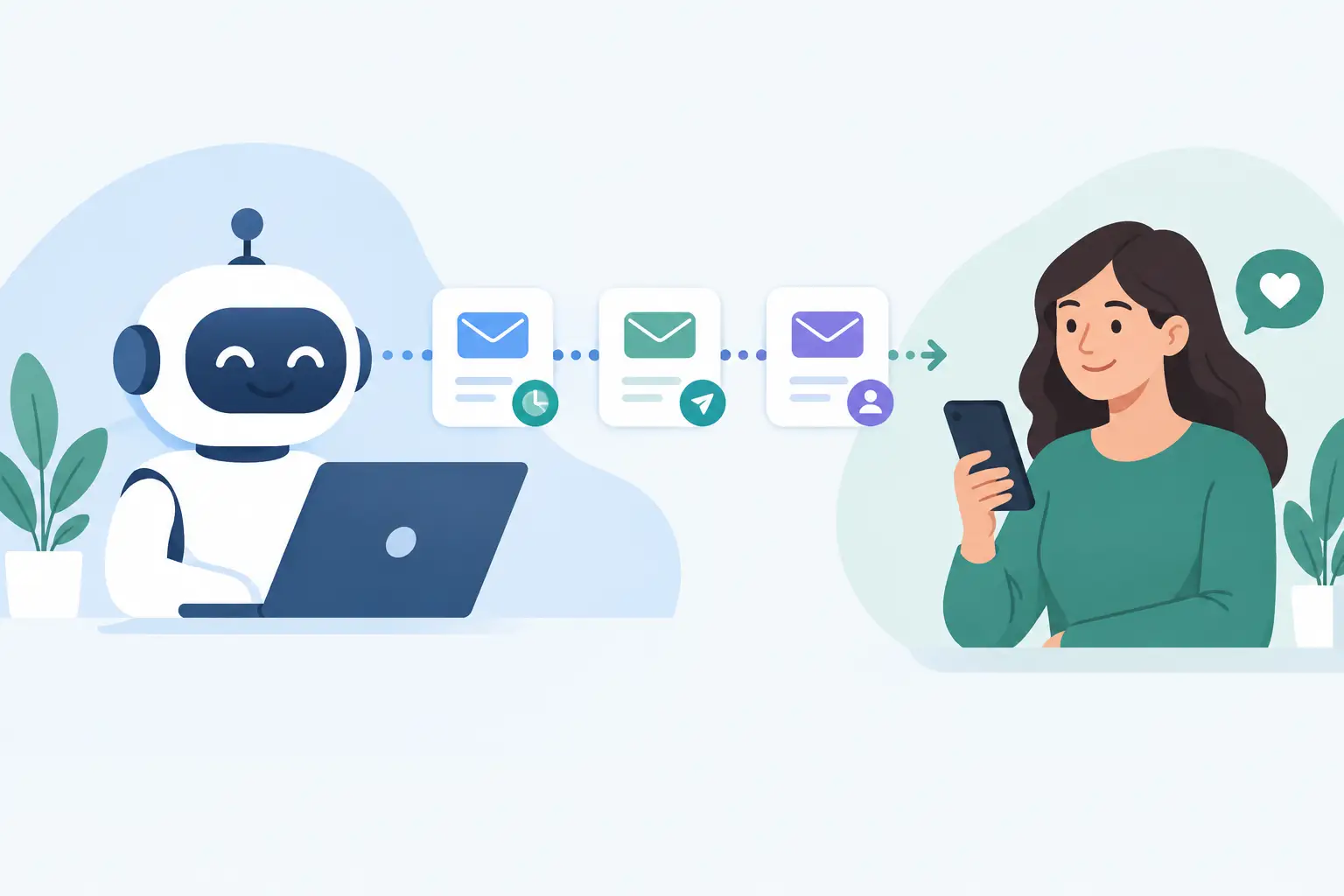
A quote request comes in at 8:47 p.m. A missed call lands while your crew is on-site. A customer who meant to approve an estimate gets busy and forgets. These are ordinary moments for local service businesses, but they can quietly become lost revenue. Learning how to automate customer follow-up is not about replacing the relationship. It is about making sure no customer is left waiting for one.
For a contractor, clinic, restaurant, or appointment-based business, the best follow-up system handles the routine timing and administration while your team handles the conversations that need judgment. It keeps inquiries organized, sends the right reminder at the right time, and gives staff a clear view of what happens next.
Start With the Customer Journey, Not the Software
Automation works best when it follows the way customers already buy from you. Before choosing a CRM, texting tool, or email platform, map the few moments where momentum is most often lost.
For many local businesses, the path looks familiar: a customer finds the business online, calls or submits a form, receives a response, books a consultation or requests an estimate, approves the work, receives service, pays an invoice, and may return later. At every step, there is a possible delay. A lead may not hear back quickly. An estimate may sit unapproved. A customer may forget an appointment. An unpaid invoice may require repeated chasing.
Your automation should address those specific gaps. If your biggest problem is missed calls, prioritize immediate call handling and a follow-up message. If estimates go cold, build a clear estimate reminder sequence. If no-shows are costly, appointment reminders may produce the fastest return.
Trying to automate every interaction at once usually creates a confusing system. Start with one or two high-volume, high-value moments. Get those working consistently, then build from there.
How to Automate Customer Follow-Up at Key Moments
A useful follow-up workflow has three parts: a trigger, an appropriate message, and a clear next action. The trigger might be a submitted form, a missed call, an estimate sent, or an appointment booked. The message should acknowledge what the customer needs. The next action should be easy, such as booking a time, approving an estimate, replying with a question, or paying an invoice.
Respond to new inquiries while the customer is still engaged
Speed matters most when someone has just reached out. If a form submission sits unread until the next morning, that person may already be speaking with another provider. An automated confirmation message can arrive within minutes, letting the customer know their request was received and when they can expect a response.
This is especially useful outside business hours. A simple message such as, “Thanks for contacting us. We received your request and will follow up by the next business day,” creates confidence without pretending that a staff member is available immediately.
For missed calls, an automated text can ask whether the caller would like to book a time, describe the job, or receive a callback. If your business uses an AI phone receptionist, it can collect basic details, answer common questions, and route urgent calls based on rules you set. The goal is not to make customers navigate a robot. The goal is to prevent a missed ring from becoming a missed opportunity.
Keep estimate follow-up timely and useful
An estimate is often where good leads stall. Customers compare options, wait for a spouse or manager, or simply lose track of the email. A single reminder is often enough to restart the conversation, provided it is relevant and not pushy.
For example, a system can send a check-in two days after an estimate is delivered, then a second reminder a week later if it remains unapproved. The message should make action simple: review the proposal, approve it online, or reply with questions.
Not every estimate deserves the same sequence. A large renovation proposal may need a personal call from the owner, while a smaller recurring service estimate can follow a more automated path. Segmenting by job value, service type, or lead source keeps your follow-up proportionate to the opportunity.
Reduce no-shows before they affect the schedule
Appointment reminders are among the most practical automations because they help both sides. The customer gets a useful prompt, and your team avoids empty calendar slots, wasted travel, and last-minute reshuffling.
Send a confirmation as soon as an appointment is booked, then a reminder 24 to 48 hours before the visit. For businesses where customers need to prepare access, documents, or payment, include those details in the reminder. A short text with a reschedule option is often more effective than an email alone.
The wording should fit the service. A dental appointment, a home estimate, and a restaurant reservation have different expectations. Keep the message direct, include the time and location, and make the next step obvious.
Follow up after service without sounding automatic
Post-service messages can support reviews, repeat bookings, referrals, and issue resolution. Timing is the difference between useful follow-up and unwanted noise. Send a brief check-in shortly after the job is complete, when the experience is still fresh.
A home-service company might ask whether everything was completed as expected. A salon or wellness business might invite the customer to book their next visit. A hospitality venue may request feedback after an event. If the customer reports a problem, create a task for a real person to respond quickly rather than continuing an automated promotional sequence.
This is also a good place to ask for a review, but only after you have given the customer a chance to raise concerns privately. A review request should be straightforward and easy to complete. Avoid sending repeated requests to the same customer.
Choose Channels Based on Urgency and Consent
Text messages are effective for time-sensitive updates: missed-call responses, appointment reminders, schedule changes, and quick estimate check-ins. Email is better for detailed proposals, invoices, preparation instructions, and longer-term customer education. Phone calls remain the right choice for high-value jobs, sensitive situations, or customers who have already indicated they prefer to speak with someone.
The best system does not send every message through every channel. It uses the channel that fits the moment and respects customer preferences. Make sure customers have consented to receive text messages where required, and provide a clear way to opt out. For Ottawa-Gatineau businesses, it is also worth deciding when French-language communication should be available and building that choice into the workflow from the start.
Keep Automation Personal With Good Data
A follow-up message feels generic when the system knows almost nothing about the customer. It feels helpful when it includes the right name, service, location, appointment date, or estimate details.
That means your website forms, booking tools, phone system, and CRM need to share information. When these tools are disconnected, staff re-enter details manually, leads get duplicated, and customers receive messages that do not match what they asked for. When they are connected, a form inquiry can create a contact record, assign a team member, start the correct follow-up sequence, and record every response in one place.
Personalization does not require overly familiar language. “Hi Maria, thanks for requesting a kitchen painting estimate in Kanata” is enough to show that your business is paying attention. It also helps the assigned team member pick up the conversation with context.
Build Stop Rules and Human Hand-Offs
The most common automation mistake is continuing to send messages after the customer has acted. If someone books an appointment, approves an estimate, replies to a text, or pays an invoice, the related sequence should stop automatically.
Set clear hand-off rules as well. A lead that replies with a detailed question should create a task for a team member. A customer who has not responded after a reasonable number of attempts may be moved to a longer-term nurture list rather than receiving weekly reminders. A complaint, cancellation request, or urgent service need should be flagged for immediate human attention.
These rules protect the customer experience and your reputation. Automation should make your business feel organized, not persistent for the sake of being persistent.
Measure What Happens After the Message
Do not judge follow-up only by whether messages were sent. Track whether leads received a response within your target window, how many estimates were approved after reminders, how often customers confirm appointments, and which campaigns create actual booked work.
Review the workflow after a few weeks. You may find that a reminder is arriving too soon, that text messages outperform email for a certain service, or that staff need a clearer task queue for manual follow-up. Small adjustments can make a meaningful difference when they occur across every inquiry.
A connected system should give your team fewer tabs to check and customers fewer reasons to wonder whether anyone received their request. Start with the follow-up point that costs you the most today, make it reliable, and let the process earn back time for the conversations only your team can have.