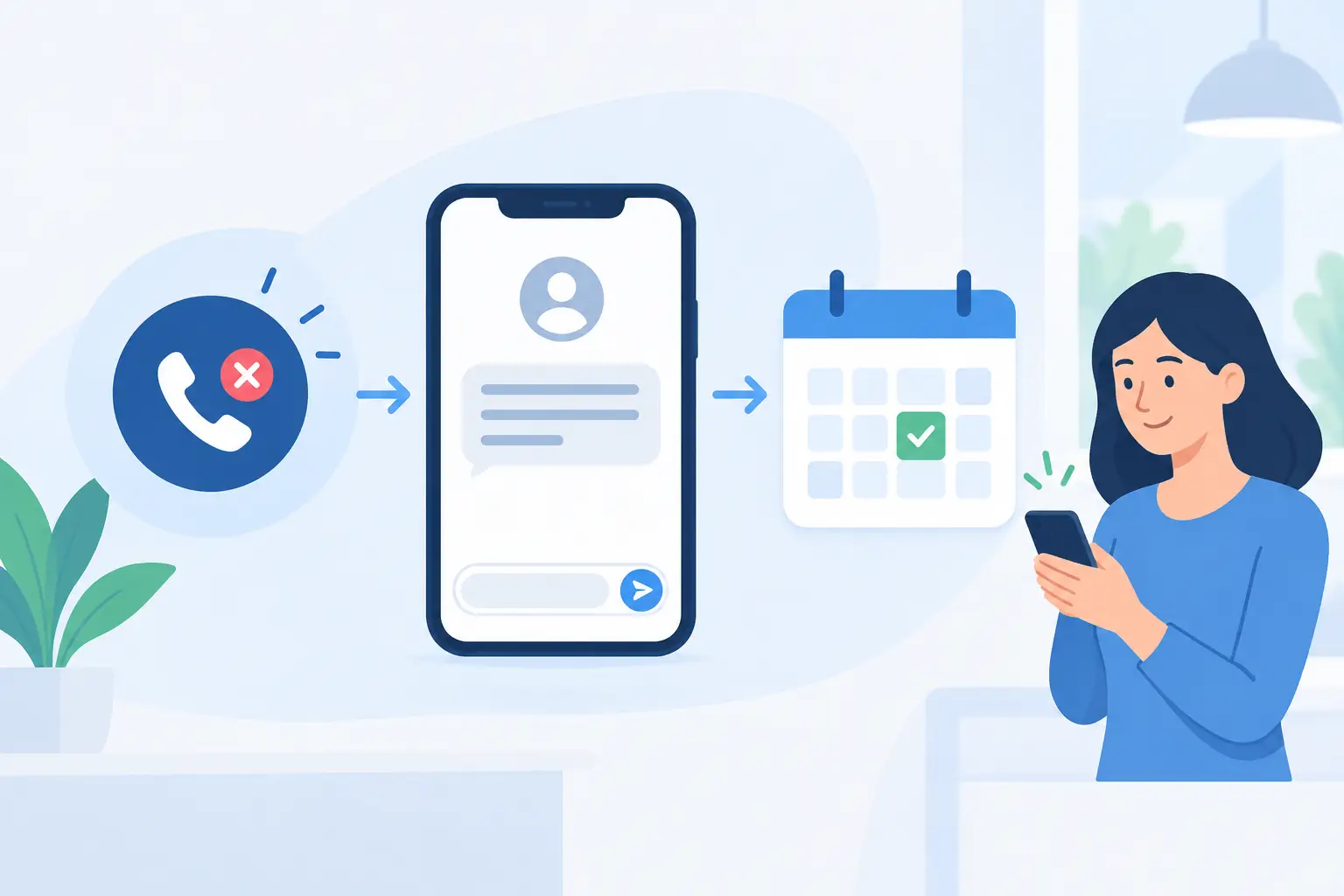
A customer calls while your crew is on a job, your front desk is helping someone, or you are driving between appointments. They hear voicemail, hang up, and call the next business on the list. Missed call text automation gives that moment a second chance by sending a timely text that acknowledges the call and gives the customer a clear next step.
For local service businesses, speed matters as much as service quality. A homeowner looking for an urgent repair, a guest asking about availability, or a prospective client requesting a quote usually does not wait long for a reply. The goal is not to replace a real conversation. It is to make sure an unanswered call becomes an organized inquiry instead of a lost opportunity.
What missed call text automation actually does
When a call reaches your business line and is not answered, the system sends an automatic SMS message to the caller. The message can ask what they need, invite them to book, or let them know when to expect a return call. Their response is recorded in one place, where your team can continue the conversation rather than chase voicemail messages across personal phones.
A useful setup connects the phone number, text conversation, contact record, and follow-up tasks. If the caller completes a booking form or chooses an appointment time, that activity should appear against the same customer record. If they need a quote, the inquiry should be assigned to the right person with enough context to respond properly.
That connection is what separates a helpful response tool from another disconnected app. A text reply is valuable. A text reply that creates a trackable lead, alerts the appropriate team member, and starts the next step in your workflow is far more useful.
The customer experience should feel human
The best first message is short, specific, and honest. It should identify the business, acknowledge the missed call, and offer one simple action. For example: “Hi, this is Cedar Ridge Plumbing. Sorry we missed your call. What can we help with? Reply here, or tell us a good time to call you back.”
For an appointment-based business, the message might offer a scheduling option. For a contractor, it may ask for the service address, type of project, or photos. A restaurant or venue may direct customers to availability details while still giving them a path to speak with someone.
Do not pretend a person is actively typing when the message is automated. Customers generally appreciate a prompt, clear reply. They become frustrated when the system creates the impression of live support and then leaves them waiting.
The internal handoff matters just as much
A fast text does not fix a slow process behind the scenes. Someone still needs to own the response, especially when the customer has an urgent request or a high-value project. Your workflow should define who receives the alert, how quickly they should respond, and what happens if they do not.
For a small home-service team, the office manager may receive a notification during business hours while the owner receives after-hours emergencies. A larger operation may route calls by service type, territory, or language. In Ottawa-Gatineau, bilingual messaging can be especially helpful when customers prefer English or French communication from the first interaction.
Where missed call text automation earns its place
This system is most effective for businesses that receive calls when staff cannot reliably answer them. Trades teams working in homes, clinics serving patients, hospitality teams managing a busy floor, and contractors out at job sites all face this problem. It is also useful for businesses that spend money on ads or local search visibility. Paying to generate calls only to lose them at voicemail is an expensive gap in the customer journey.
The use case changes by business. A painter may use the reply to collect project details before preparing an estimate. An HVAC company may separate emergency requests from routine maintenance. A salon may offer a booking link while flagging calls from existing clients who need to reschedule. The technology is similar, but the questions, routing, and follow-up should reflect how your business actually operates.
It is less suitable as a fully automated solution for sensitive matters, complex consultations, or situations where a customer needs immediate human assistance. In those cases, the text should set expectations and route the request quickly, not attempt to force a detailed conversation through a script.
Build the workflow around the next useful action
Start with the call types your team misses most often. Review a few weeks of missed calls and ask what those callers were likely trying to do. Were they looking for pricing, service availability, a quote, an appointment, directions, or urgent help? The answer should shape the first message and the internal workflow that follows.
Keep the first reply focused
A missed-call text should not read like a long intake form. Ask for the minimum information needed to move the conversation forward. If someone calls a roofing company, asking whether they need repair, replacement, or an inspection may be enough to route the inquiry. Once a staff member engages, they can collect the remaining details.
Too many questions create friction. Too few can leave your team without enough context. The right balance depends on the urgency and complexity of the service.
Set practical response rules
Automation can respond immediately, but your team needs a realistic standard for the next human reply. A business that promises a callback in five minutes must be prepared to meet that promise. If staff are unavailable until the next business day, say so clearly.
Use business hours, after-hours rules, and escalation paths that match your capacity. An emergency electrician may need a different setup than a renovation company scheduling consultations two weeks out. Honest expectations build more trust than aggressive promises that nobody can keep.
Connect it to your CRM and scheduling process
Every response should have a destination. When a caller replies, their details can create or update a contact record, open an opportunity, create a task, or trigger a booking invitation. If a salesperson calls them back, the conversation history should be visible. If the lead becomes a customer, the same record can carry through to the estimate, job, invoice, and future follow-up.
This reduces duplicate data entry and prevents the common problem of one team member texting a prospect while another leaves a voicemail without knowing the conversation has already started. It also gives owners a clearer view of where inquiries are coming from and which ones become paid work.
Details that protect customer trust
A quick text is convenient, but it still needs guardrails. Use a recognizable business number and identify your company in the first message. Give customers a simple way to call back or request a person. Keep language professional, even if the message is brief.
Consent and messaging rules also matter. A missed-call response should relate directly to the customer’s attempt to contact your business. Avoid turning that initial exchange into an ongoing promotional campaign without appropriate permission. Transactional follow-up, appointment reminders, and marketing messages can have different requirements, so the workflow should distinguish between them.
Privacy deserves equal attention. Do not ask customers to send sensitive personal or payment information by text. If your team needs photos, service details, or an address, make sure the information lands in a system with appropriate access controls instead of sitting indefinitely in an employee’s personal inbox.
Measure whether it is saving real opportunities
The most useful metric is not the number of automated texts sent. Look at how many missed callers reply, how quickly your team follows up, how many conversations turn into appointments or estimates, and how many of those turn into revenue.
Also review missed calls that do not convert. If callers regularly ask questions your text cannot answer, improve the message or add a clearer path to a person. If leads go cold after replying, the issue may be staffing, scheduling availability, or a disconnected estimate process rather than the automation itself.
A good system makes the handoff visible. You should be able to see the call, the automated response, the customer reply, the assigned owner, and the outcome without piecing together information from multiple devices.
Make every unanswered call easier to recover
A missed call does not have to be the end of the conversation. With a clear message, sensible routing, and a connected follow-up process, your business can respond while your team is doing the work customers hired you to do. Start with the calls you already miss, build around how your staff actually operate, and give every caller a credible next step.