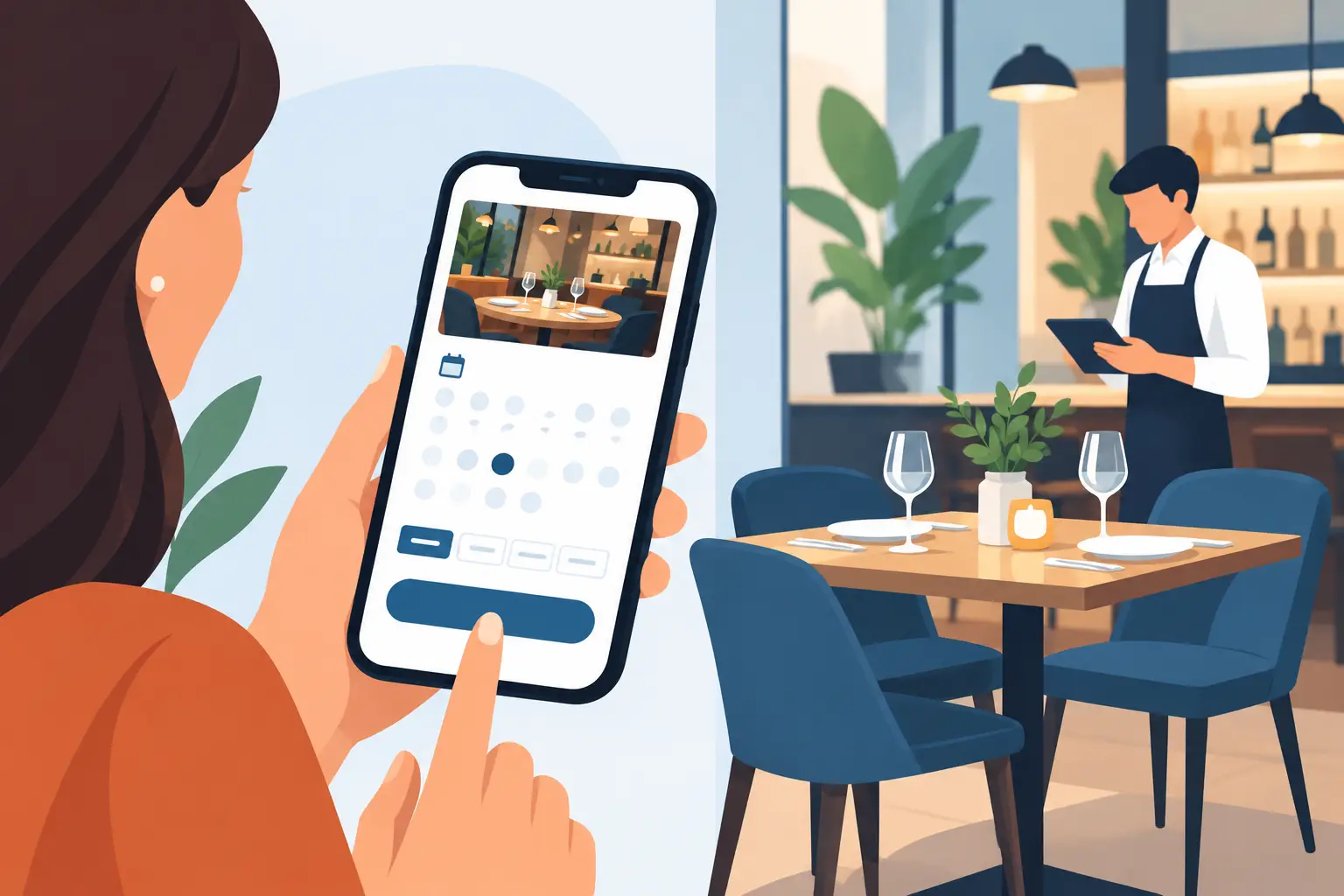
At 6:42 p.m. on a Friday, a host is seating a walk-in, a server is asking about a large party, and the phone starts ringing. If that call goes unanswered, it may be a table of four booking elsewhere. A restaurant online booking system gives guests another way to reserve while giving staff a more organized view of the room.
For independent restaurants, booking is not just a calendar feature on a website. It affects how many tables are filled, how often guests show up, how quickly staff can respond, and whether the front-of-house team begins service in control or already behind. The right system should reduce administrative work without making hospitality feel automated or impersonal.
A restaurant online booking system should do more than take reservations
A basic reservation form can collect a date, time, party size, and contact details. That is useful, but it does not solve the real operational questions a restaurant faces: Is that table actually available? Can the kitchen handle another large party at that time? Has this guest canceled repeatedly? Does the host know about an anniversary request before the party arrives?
A useful system connects the reservation to the way the restaurant operates. It should reflect opening hours, seating durations, table combinations, blackout dates, private events, and booking rules. If dinner service can turn a two-top in 90 minutes but needs two and a half hours for a six-person party, the availability guests see should account for that.
This is where generic booking tools can create friction. A tool may be inexpensive and quick to activate, yet require staff to manually correct timing, seating, or guest information throughout the day. A more tailored setup takes more planning at the start, but it can save time on every service afterward. The best choice depends on the restaurant's size, service style, volume, and how complicated its floor plan is.
Give guests a clear path from website to table
Guests should be able to book from the places where they already find the restaurant: the website, search results, social profiles, and marketing campaigns. The booking experience needs to work well on a phone, because many reservations happen while someone is deciding where to eat that evening.
The process should be short and clear. A guest should see real availability, choose a time, enter the details needed to confirm the table, and receive an immediate acknowledgment. If a requested time is unavailable, the system should offer nearby options rather than send the guest back to start over.
For restaurants serving Ottawa-Gatineau or any bilingual market, language matters as well. Reservation instructions, confirmation messages, and common guest-facing details should be easy to understand in the languages customers use. That reduces booking errors and makes the experience feel considered from the first interaction.
Protect tables from no-shows and late cancellations
Empty tables are expensive, especially during peak dinner hours. No-shows cannot be eliminated entirely, but a booking system can make them less frequent and easier to manage.
Automated confirmations and reminder messages are the starting point. A guest who receives a timely reminder can confirm, cancel, or contact the restaurant before the table becomes a loss. The timing should suit the reservation type. A casual weekday lunch may need one reminder, while a holiday dinner, tasting menu, or large group may justify earlier communication and a second prompt.
For high-demand periods, restaurants may also need deposits, card holds, or cancellation policies. These tools should be used thoughtfully. A strict policy can protect revenue, but it can also discourage guests if it feels unreasonable for the occasion. A neighborhood café may choose a lighter approach than a small dining room with limited seating and a carefully planned menu.
The system should also make cancellations useful. When a table opens up, staff need a fast way to offer it to guests on a waitlist or notify people looking for a similar time. This is not about sending excessive messages. It is about giving interested guests a fair chance to book while recovering revenue that might otherwise be lost.
Help the host stand run the room, not chase information
During service, the host needs a live picture of arrivals, table status, special notes, and upcoming reservations. A reservation book on paper or a collection of inbox messages can work at low volume, but it becomes difficult when the room is busy or multiple people are answering phones.
A strong booking setup gives the team one source of truth. Staff should be able to see the floor plan, assign tables, mark parties as arrived, track late arrivals, and flag important requests. Notes should be visible to the right people without turning the guest profile into a cluttered file.
Useful guest details may include accessibility needs, high-chair requests, allergies communicated in advance, birthdays, or a preference for patio seating. Not every detail requires a special workflow. The goal is simply to make sure a reasonable request does not disappear in a voicemail or get lost in a staff member's personal notes.
There is a balance here. Collect too little information and the team misses chances to provide better service. Collect too much and guests abandon the form or staff stop reviewing the details. Keep required fields limited to what the restaurant genuinely needs to honor the reservation.
Connect booking to the rest of the customer journey
A booking system works best when it is not isolated from the restaurant's website, phone calls, and customer records. If a guest calls after booking online, staff should be able to find the reservation quickly. If someone submits a private-event inquiry, that lead should not sit in a separate inbox while the same date is being booked for regular service.
This is particularly valuable for restaurants that handle more than standard reservations. Private dining, catering, group menus, ticketed events, and seasonal promotions each have different requirements. They may need separate inquiry forms, approval steps, deposits, internal notifications, or follow-up messages. Trying to manage all of that through one generic reservation form often creates confusion.
An integrated setup can route each inquiry appropriately. A standard dinner reservation goes to the host stand. A party of 20 goes to an event coordinator. A missed phone call can trigger a prompt response instead of becoming a forgotten lead. NorthPeak approaches booking as part of that broader operating flow, connecting the public-facing experience with the tools staff use to respond and follow through.
Choose features based on service, not a feature checklist
Restaurants are often shown long lists of booking software features. Most do not need every option. They need the functions that remove friction from their particular service model.
A quick-service restaurant with limited table service may only need a simple waitlist and occasional group booking form. A full-service restaurant with reservations throughout the week may need table management, automated reminders, guest notes, and pacing controls. A fine-dining restaurant may place more value on deposits, pre-visit preferences, and detailed guest history. A restaurant with frequent private events needs a clearer path from inquiry to proposal, approval, and payment.
Before selecting or building a system, map what happens today. Look at how guests currently book, where calls are missed, who answers messages, how cancellations are handled, and where staff lose time before service. This usually reveals that the problem is not one missing feature. It is a disconnected process.
Questions worth answering before implementation
Start with the practical rules staff already use. How many tables can be seated every 15 minutes without overwhelming the kitchen? Which tables can be combined? What counts as a large party? When does a reservation require a deposit? Who owns a private-event inquiry? What should happen when a guest does not receive a confirmation?
These answers shape the booking experience far more than a template ever could. They also make staff adoption easier, because the system reflects the way the team actually works instead of forcing a new process during a busy service.
Measure the outcomes that matter
The value of online booking is not the number of reservations alone. Track whether more website visitors become booked guests, how many calls go unanswered, the no-show rate, cancellation timing, waitlist conversions, and the share of tables booked directly rather than through third-party channels.
Direct bookings matter because they give the restaurant more control over the guest relationship and the booking experience. Third-party platforms can be useful for visibility, especially for newer venues, but they may come with fees, limited branding control, or guest data that is harder to use. Many restaurants benefit from a mix: visibility where guests search and a strong direct booking path on their own website.
Review the system after launch. If guests repeatedly call to ask questions the booking form does not answer, improve the information. If staff override table assignments every night, revise the floor-plan rules. If large parties generate too much back-and-forth, give them a clearer inquiry process. The goal is not to install software and leave it alone. It is to build a booking process that gets better as the restaurant learns what its guests and team need.
A good reservation experience lets guests make plans with confidence and lets staff begin service with fewer surprises. That leaves more attention for the welcome, the meal, and the reasons guests choose to come back.