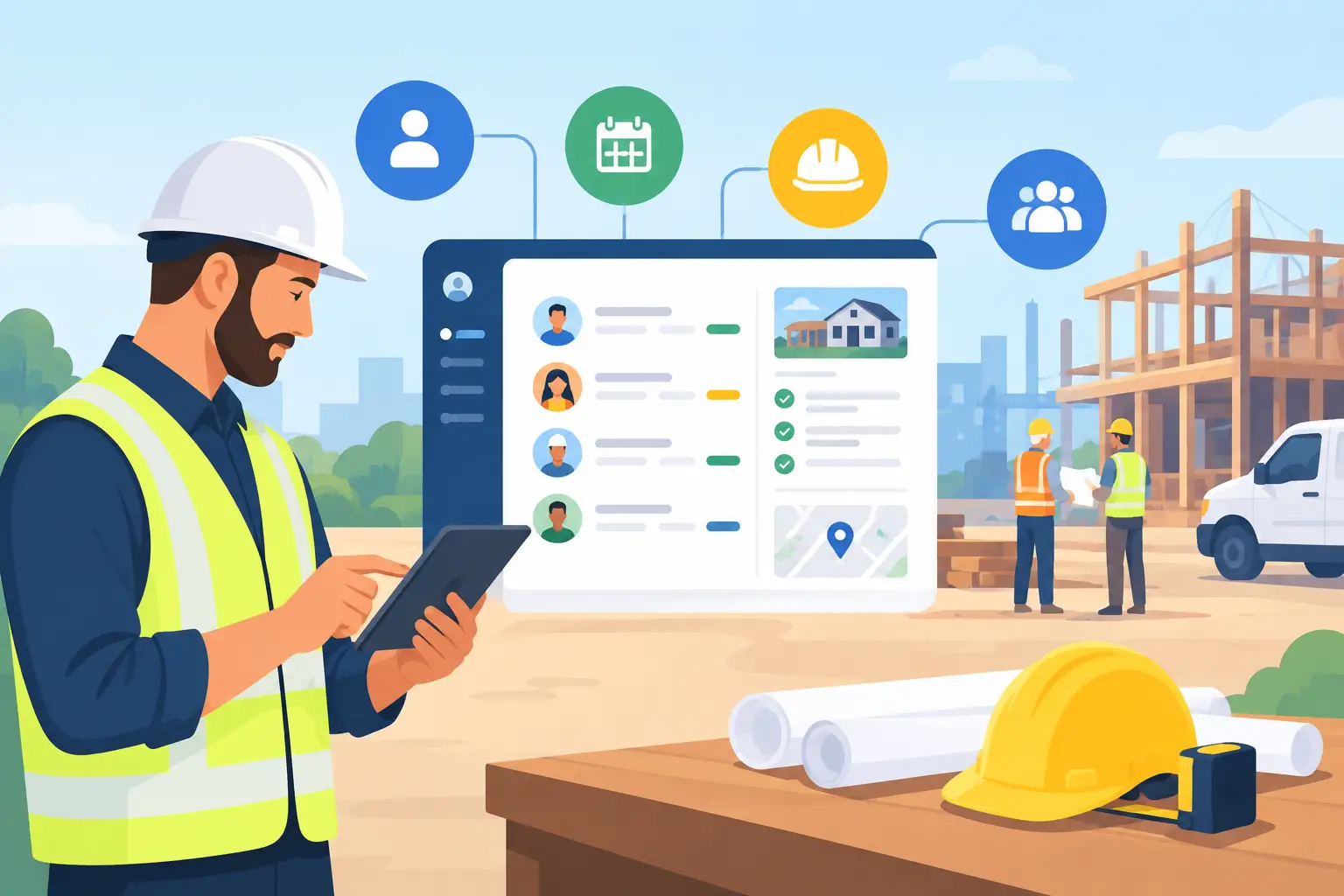
A homeowner calls while you are on a ladder, meeting a supplier, or driving between jobs. They leave a voicemail. Later, someone submits a website form asking for an estimate. By the time the day settles down, both inquiries are buried under texts, emails, paper notes, and a full schedule.
That is the practical reason a CRM for contractors matters. It gives your team one place to see who contacted you, what they need, where the job stands, and what should happen next. The goal is not more software. It is fewer missed opportunities and less time spent hunting for information.
What a CRM for Contractors Actually Does
CRM stands for customer relationship management, but for a contractor, it is better understood as the working record of every customer and job. It connects the office, the field, and the customer journey from the first inquiry through payment and future service.
A useful system records the source of a lead, the customer’s contact details, project notes, photos, estimate status, scheduled dates, invoices, and communication history. When a customer calls back two weeks after receiving a quote, anyone on the team should be able to see the conversation without asking around or searching old email threads.
This matters most when work is moving quickly. A small team can manage customer details from memory for a while. As call volume, jobs, technicians, or service areas grow, that approach becomes unreliable. A CRM creates a repeatable process without forcing every contractor to work the same way.
Where Contractors Lose Work Without a CRM
Most lost work is not caused by poor craftsmanship. It happens in the gaps between inquiry, estimate, scheduling, and follow-up. A lead is answered too late. An approved quote sits in an inbox. A customer does not receive a reminder. An invoice is sent after the customer has already had to ask for it.
These gaps can be hard to see because they are spread across several tools. Calls may land on a personal phone, web forms in an email inbox, estimates in a separate quoting app, and job details in a notebook or group text. Each tool may work on its own, but the handoff between them depends on someone remembering what to do next.
A CRM makes those handoffs visible. It can show new leads that need a response, estimates awaiting approval, jobs that still need dates, and completed work awaiting an invoice or review request. Instead of relying on a daily mental checklist, the business has a clear queue of next actions.
The Parts of a Contractor CRM That Earn Their Keep
Not every contractor needs the same setup. A remodeling company managing long projects has different needs than a plumber handling same-day calls. Still, a few capabilities tend to make an immediate difference.
Lead capture and fast response
A CRM should collect leads from your website forms, phone calls, social media messages, and referrals into one pipeline. Each new inquiry needs an owner and a clear next step. For many service businesses, the first response is where the job is won or lost. An automated acknowledgment can confirm receipt after hours, while a staff member follows up when the office opens.
Estimates that do not disappear
An estimate should be connected to the customer record, job scope, notes, and follow-up date. If a prospect has not approved or declined within a set period, the system can prompt your team to check in. This is not about pressuring people. It is about making sure a serious customer does not get forgotten because the crew had a busy week.
Scheduling with job context
A calendar alone tells you where someone needs to be. A connected CRM tells the technician why they are going, who they are meeting, what was quoted, what access instructions apply, and what happened last time. Mobile access is especially useful for field teams that need addresses, photos, and customer history without calling the office for details.
Invoices, follow-up, and repeat work
Once the job is complete, the customer record should not go dormant. A CRM can trigger the next operational step, whether that is sending an invoice, requesting a review, scheduling seasonal maintenance, or following up on a future phase of work. Repeat business often comes from simple, timely communication rather than a major marketing campaign.
Build the System Around Your Actual Workflow
The best CRM for a contractor is not necessarily the one with the longest feature list. It is the one your team can use consistently on a busy Tuesday. Before choosing a platform, map the path a typical customer takes from first contact to final payment.
Start with the moments where information changes hands. Who answers a new lead? Who qualifies it? When is an estimate created? How does an approved quote become a scheduled job? Who sends the invoice? Where do field notes, photos, and change requests live? These questions reveal where a connected system will help and where a simple process change may be enough.
Then decide what should be standardized. You may want every new inquiry to receive the same response window, every estimate to receive a follow-up task, and every completed job to move to invoicing. On the other hand, forcing rigid stages on complex custom projects can create unnecessary admin work. The system should support sound judgment, not replace it.
For example, an HVAC company may prioritize speed, dispatch visibility, and recurring service reminders. A general contractor may need stronger estimate approvals, project milestones, document storage, and client communication. A painting contractor may benefit from photo-based job records and automatic follow-up after consultations. The workflow comes first. The software follows.
Use Automation Carefully
Automation is valuable when it removes repetitive tasks without making customer communication feel careless. Good examples include assigning a new web inquiry to the right person, sending a confirmation after a booking request, reminding staff to follow up on open estimates, or notifying a customer when an appointment window is confirmed.
The trade-off is that too many automated messages can confuse customers or make a small business sound impersonal. Use automation for predictable administrative steps, then keep room for a real person to handle questions, exceptions, and higher-value projects. A well-designed system makes your team more responsive. It should not make them harder to reach.
Phone handling deserves the same attention. If calls are a major source of work, missed-call texts, call tracking, or an AI receptionist can help capture details when staff are unavailable. Those details should enter the same CRM pipeline as web leads, so the office is not working from two separate lists.
Choosing CRM for Contractors Without Overbuying
A CRM should fit the size and complexity of your operation now, with room to grow. A solo contractor may need a straightforward lead pipeline, estimate follow-up, calendar, and customer history. A larger company may need multiple pipelines, technician assignments, permissions, reporting, and connections to accounting or field-service tools.
Look closely at daily usability. Can your office team update records quickly? Can technicians see the information they need from a phone? Can you create estimates and job stages that match your services? If the system requires constant workarounds, it will eventually become another neglected database.
It is also worth asking how the CRM connects to customer acquisition. A website, online form, paid campaign, booking tool, and phone system should feed into the same operational process. Otherwise, marketing may produce leads that the business cannot track or follow up on reliably. NorthPeak approaches these pieces as one connected system because the customer experience does not stop when a form is submitted.
Cost matters, but the cheapest option is not always the least expensive. Consider setup time, staff training, monthly software fees, integration needs, and the cost of leads that receive no response. A focused implementation with a few well-built workflows often delivers more value than a large platform with features nobody uses.
Roll It Out in Stages
Do not try to rebuild every business process in one week. Begin with the path that affects revenue most directly: new leads, estimates, and follow-up. Once the team is using that consistently, add scheduling, job records, invoicing, review requests, and longer-term customer reminders.
Clean information is part of the rollout. Import active customers and current opportunities first rather than moving years of incomplete records. Agree on simple rules for entering notes, updating job stages, and assigning ownership. A CRM only gives clear visibility when the team can trust what they see.
The right system should feel less like another task and more like a calmer way to run the work already on your calendar. Start with the missed calls, delayed estimates, and unclear handoffs that cost you the most. Fixing those few moments can change how many jobs make it from inquiry to paid work.