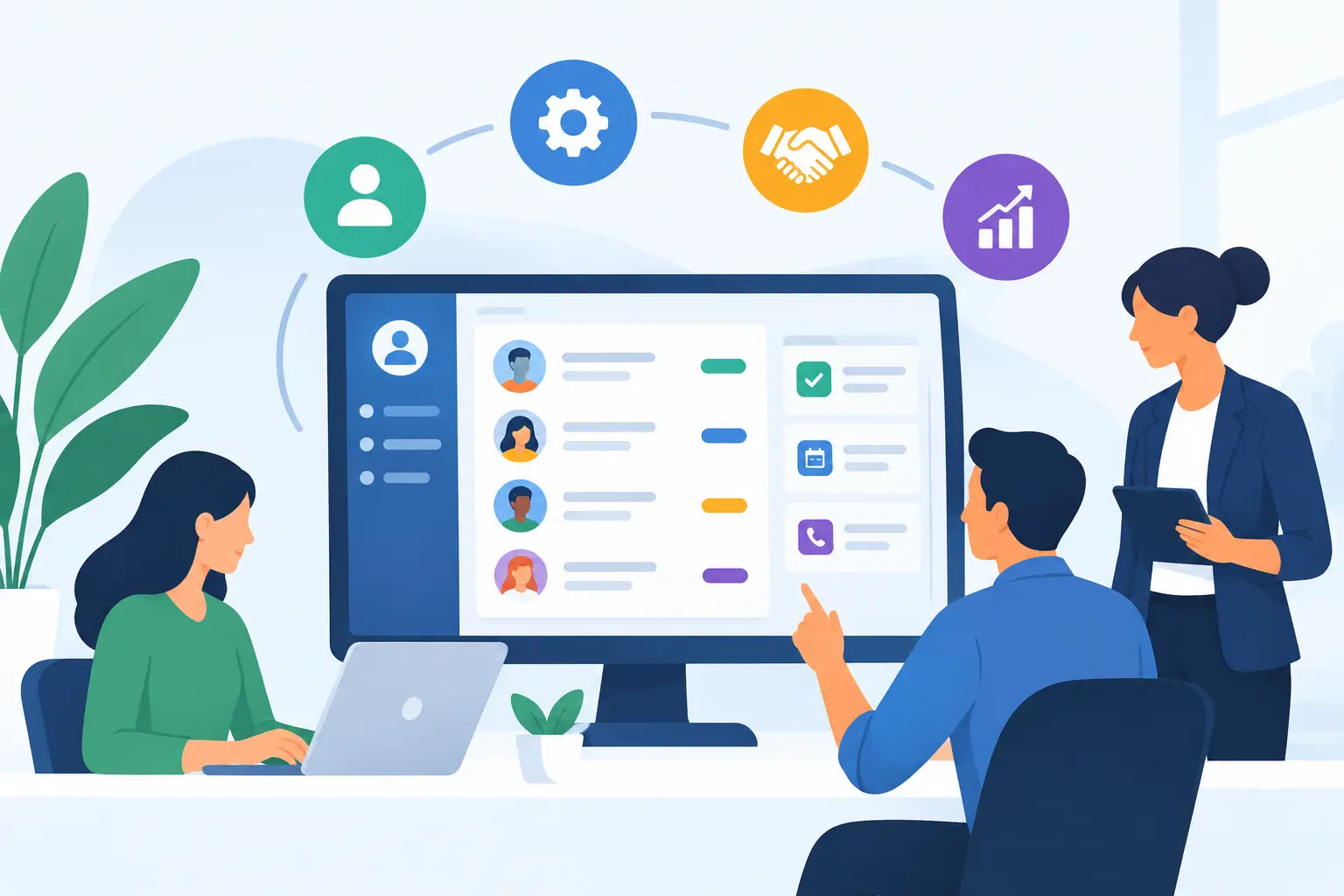
A missed call at 10:30 a.m. can turn into a lost job by lunch. A quote request sitting in a shared inbox can disappear just as easily. For service businesses, a custom CRM is not about adding another piece of software. It is about creating one clear place where inquiries, customer details, estimates, bookings, jobs, and follow-ups can move forward without relying on memory, sticky notes, or whoever happens to be available.
The right system reflects how your business actually works. It gives your team a reliable next step from the first contact through payment, while giving owners a clearer view of what is coming in, what needs attention, and where work is getting delayed.
What a Custom CRM Should Do for a Service Business
CRM stands for customer relationship management, but that label can make it sound more complicated than it needs to be. At its most useful, a CRM organizes the conversations and actions that turn a new inquiry into completed work and a returning customer.
For a contractor, that may mean taking a web form submission, scheduling a site visit, sending an estimate, tracking approval, assigning the job, and requesting a review after completion. For a restaurant or venue, it may mean managing event inquiries, reservations, deposits, and follow-up communication. For an appointment-based business, it may mean booking confirmations, reminders, cancellations, and repeat visits.
A custom setup matters because these workflows are rarely identical. A generic CRM can be a reasonable starting point, especially for a newer business with a simple sales process. But if your team is working around the software with spreadsheets, inbox searches, text-message threads, and separate calendars, the system is no longer supporting the work. It is creating more of it.
It should follow the customer journey
A useful CRM starts before a customer becomes a customer. It should capture inquiries from the channels people already use: website forms, phone calls, online booking tools, ad campaigns, social messages, or referrals.
From there, each lead needs a clear status. New inquiry, contacted, site visit booked, estimate sent, approved, scheduled, complete, and paid are simple examples. The exact stages should match your operation, not a software company’s idea of how a business should sell.
When every lead has an owner, a status, and a next action, follow-up becomes visible. A team member does not need to ask whether anyone called back. The record shows it.
It should reduce repetitive admin
The value is not in collecting more data. It is in removing routine work that does not need a person every time.
A custom CRM can send a confirmation when an estimate request arrives, remind staff to follow up after a set number of days, notify a customer before an appointment, or create a task when a job is approved. It can also make sure customer information entered on a website form lands in the right record rather than being copied manually into multiple places.
Automation needs restraint. A customer should not receive a generic chain of messages that ignores a conversation already in progress. The best automations handle predictable steps while giving staff room to respond like people when a situation calls for it.
Where Most Businesses Feel the Difference
The first benefit is usually speed. When calls, forms, and bookings arrive in different places, response time depends on someone checking each channel. Connecting those channels to one system gives your team a better chance of acting while the customer is still deciding whom to hire.
The second benefit is consistency. A customer who fills out a form, gets an acknowledgment, receives a clear estimate, and receives a timely reminder experiences a business that appears organized. That impression matters just as much for a two-person trade business as it does for a larger operation.
The third benefit is operational visibility. Owners can see how many new leads came in, which estimates remain open, what jobs are scheduled, and where revenue may be getting stuck. That does not mean turning every decision into a report. It means replacing guesswork with a useful view of the work already happening.
Custom CRM Features Worth Prioritizing
Not every business needs every feature on day one. Trying to build a complete system for every possible scenario can slow down adoption and create confusion. Start with the points where missed information or repeated manual work is costing the most.
For many local service teams, the priority is a connected lead intake process. Website forms, call logs, booking requests, and campaign inquiries should create or update customer records automatically. Staff should be able to see the source of the lead and the conversation history without switching between several tools.
Next comes follow-up. Estimates often represent a major opportunity because the customer has already shown serious interest. A CRM can prompt a call, send a polite reminder, and show which quotes are aging without a decision. The goal is not to pressure every prospect. It is to make sure legitimate opportunities do not go quiet simply because the day got busy.
Scheduling is another high-value area. When appointments or jobs are part of the workflow, the CRM should connect with the calendar your team uses. Booking availability, staff assignments, customer reminders, and changes should not require entering the same information twice.
Finally, consider the handoff after a sale. If a signed estimate needs to become a job, an invoice, or a customer onboarding task, that transition should be clear. Internal handoffs are where details are often lost. A well-designed system makes the next person’s job easier by carrying forward the information they need.
Build Around the Process Before the Platform
The strongest CRM projects begin with a practical review of the current workflow. How does a new lead arrive? Who responds? What information is needed before a quote can be prepared? When does a job become scheduled? What happens if a customer does not respond? Where are invoices, notes, and customer history stored?
These are operational questions, not technical ones. The answers shape the system.
A custom CRM does not always mean building software from scratch. In many cases, the right approach is configuring an established platform, connecting it to the website and phone system, and adding only the automations or fields that the business genuinely needs. This can be faster and easier to maintain than a fully custom application.
There are trade-offs. A highly tailored system can solve specific problems, but it requires clear decisions, staff training, and ongoing ownership. A simpler setup may leave a few manual steps in place, yet be easier for the team to use consistently. The best choice depends on transaction volume, the complexity of your services, the number of staff involved, and how quickly your process is likely to change.
Adoption Is Part of the Build
A CRM only works when people trust it enough to use it. If staff see it as another reporting requirement, they may keep customer details in text messages or personal notes. Then the business is back to fragmented information.
Keep the day-to-day experience simple. Give each person the views and tasks relevant to their role. A scheduler may need upcoming appointments and new requests. A salesperson may need open estimates and follow-up reminders. A field technician may only need job details, contact information, and notes from the office.
Training should focus on real scenarios: a new call comes in, an estimate is approved, a customer reschedules, a job is completed. When the system supports those moments well, adoption is much more natural than asking staff to learn every available feature.
Treat Your CRM as Part of Customer Service
Customers do not care what platform sits behind your process. They care whether someone answered, whether the appointment was confirmed, whether the estimate arrived when promised, and whether they had to repeat themselves.
That is why a custom CRM belongs alongside your website, marketing, booking tools, and phone handling. Each touchpoint should pass useful information to the next one. A website should generate organized inquiries. A phone call should be logged and directed. A booking should create a visible task. A completed job should make future service and follow-up easier.
The best system does not make your business feel automated. It makes your business feel prepared. Start with the customer moments that are easiest to miss, then build a process your team can rely on when the workday gets busy.