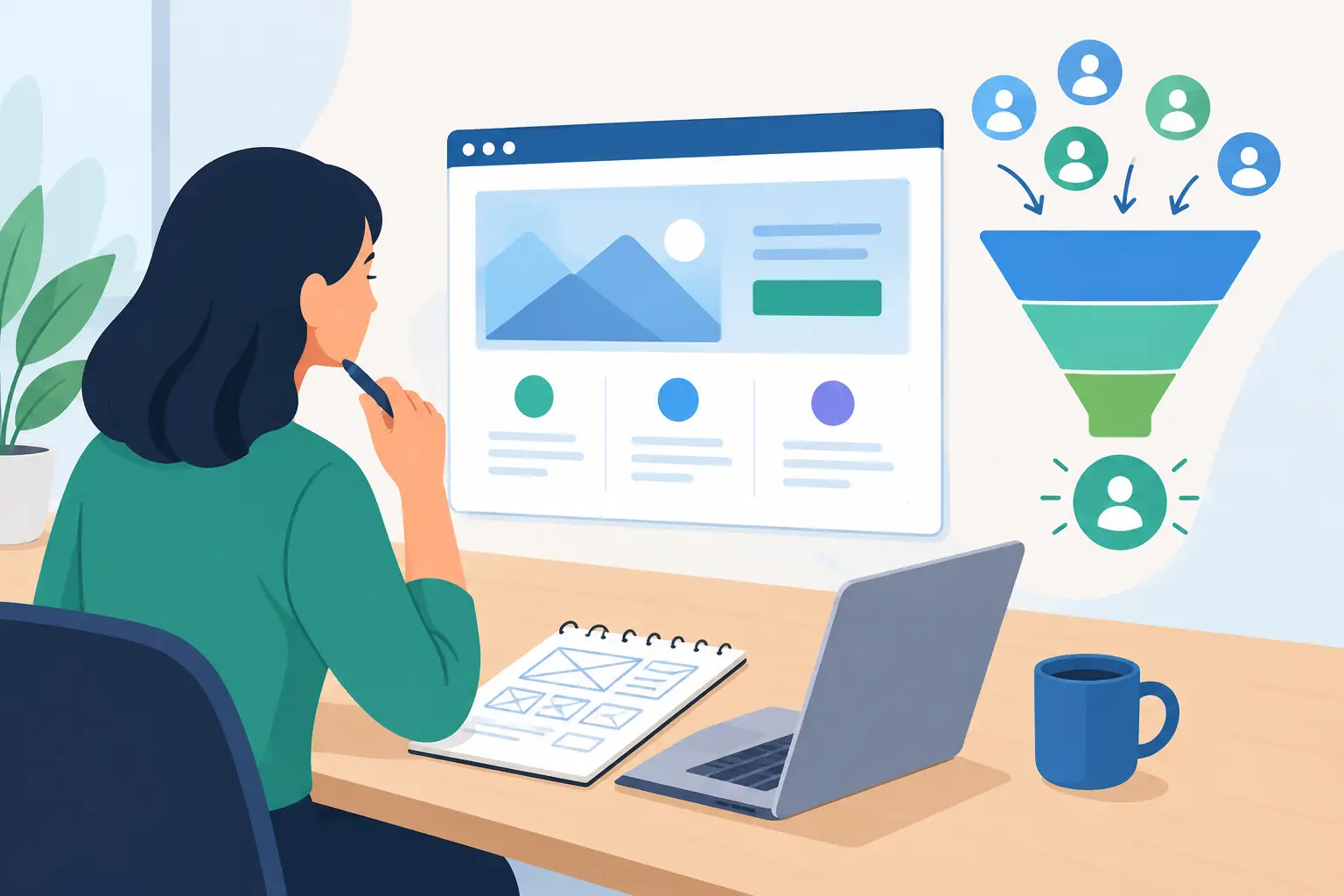
A website can look professional and still leave money on the table. A homeowner may find your service after hours, like what they see, and leave because there is no clear way to request an estimate. A restaurant guest may want to book a table, but the booking link is buried. A caller may reach voicemail and never try again.
Small business website planning should begin with those real moments. Before choosing colors, page layouts, or platform features, decide how the site will help customers take the next step and how your team will handle what comes in.
Start small business website planning with the customer path
Most local service businesses do not need a large website. They need a clear path from interest to action. That path often starts with a Google search, a social media profile, a referral, or an ad. It ends with a call, booking, quote request, visit, or purchase.
Map out what happens between those points. Ask where customers hesitate, what information they need before contacting you, and which action matters most to your business. A contractor may need detailed quote requests. A salon may need online appointment booking. A hospitality business may need event inquiries, menus, hours, and reservations that are easy to find on a phone.
This work prevents a common mistake: building pages around the way the business is organized internally instead of the way customers make decisions. Customers do not arrive looking for your department structure. They want to know whether you offer what they need, serve their area, have availability, and can be trusted to do the work well.
Choose one primary action for each page
Every important page should guide visitors toward a logical next step. That does not mean every page needs a giant button repeated ten times. It means the action should be obvious when a visitor is ready.
For a service page, that might be “Request an Estimate.” For a location or contact page, it may be “Call Now” or “Get Directions.” For an appointment-based business, it could be “Book an Appointment.” Supporting options can still exist, but competing calls to action create uncertainty.
The right choice depends on your sales process. If every job requires a site visit and custom scope, instant online pricing may create more confusion than convenience. If you offer a standard service with predictable timing, a booking tool can reduce back-and-forth for both customers and staff.
Define what the website needs to do
A good website is not simply a digital brochure. It is part of the front desk, sales process, and customer experience. Planning is easier when you define the jobs it needs to perform.
For many businesses, the site needs to establish credibility quickly. Visitors should be able to understand what you do, who you serve, where you work, and why they should choose you. Clear service descriptions, original photos, recent project examples, reviews, licenses or certifications where relevant, and straightforward contact details all help.
It also needs to capture inquiries properly. A form that sends an email to a crowded inbox may be better than nothing, but it is not always enough. Consider what information the team needs to respond well: service type, location, preferred date, budget range, photos, or details about the problem. Keep forms short enough that people will complete them, then collect additional details later if needed.
Finally, the website may need to reduce routine administrative work. A well-planned booking flow can confirm appointments and send reminders. A quote request can create a lead record automatically. A missed call can trigger a text follow-up. These are operational decisions, not just website features.
Plan content around customer questions
Businesses often delay a new site because they think they need to write everything at once. In practice, start with the information that helps customers choose and contact you.
Your homepage should quickly answer what you offer, who it is for, and what a visitor should do next. Service pages should explain the work in plain language, not just name the service. Include the problems you solve, what customers can expect, service areas if applicable, and the right next step.
A strong gallery can do more than a paragraph of claims, especially for trades, hospitality, events, beauty, food, and design-led businesses. Original photography and video show the actual people, space, equipment, and finished work behind the brand. Stock images can fill gaps, but they rarely build the same level of local confidence.
Do not hide practical details. Hours, service areas, parking information, accessibility details, response expectations, and languages spoken can be deciding factors. If your team serves customers in English and French, make that clear and plan how both audiences will be supported across key pages and communications.
Keep the message specific
Broad claims such as “quality service” and “customer satisfaction” are easy to write but difficult to believe without proof. Replace them with details. Explain your process, show examples, describe your experience, or state what makes the service more convenient.
Specificity also helps attract better-fit inquiries. A painter who explains the types of projects they take on, the areas they serve, and how estimates work will receive fewer vague requests from people looking for something else.
Connect the website to the work behind it
This is where small business website planning has the greatest long-term impact. A website that generates leads but does not organize them can create a new problem: more inquiries scattered across email, voicemail, social media, and text messages.
Decide where each website inquiry should go. The right setup may be a shared inbox for a small team, a CRM for a growing business, or a job management system already used by the office. The goal is simple: every inquiry should have an owner, a next step, and a record.
Automation can help with repetitive tasks, but it should support a real process rather than paper over a broken one. An automatic acknowledgment message is useful when it sets clear expectations. A booking reminder is useful when it reduces no-shows. A follow-up sequence is useful when it helps customers who are waiting on an estimate make a decision.
There are trade-offs. A highly detailed form may give your sales team better information, but it can lower completion rates. An AI phone receptionist can capture calls outside business hours, but the handoff to a person must be clear for urgent or complex requests. A CRM can bring order to leads and jobs, but only if the team agrees on how to use it.
NorthPeak approaches the website as part of that connected customer journey, from the first visit or phone call through scheduling, follow-up, and payment. For busy local teams, that connection often matters more than adding another decorative feature.
Set a realistic build scope before design begins
Website projects go off track when the scope is vague. Before design starts, document the pages you need, the functionality required, who will provide content, and who will approve each stage.
A simple site for an established local business may need a homepage, services, about page, gallery, contact page, and a few focused landing pages. A business with multiple locations, online booking, bilingual content, custom quote workflows, or integrations will need more planning and testing.
Be honest about what should be included now versus later. Launching a well-built core site with clear conversion paths is usually better than holding everything up for a large library of articles or every possible feature. At the same time, do not cut the foundations that affect revenue, such as mobile usability, contact routing, speed, and clear service information.
Clear review stages protect everyone. Agree on when the team will review structure, visual direction, content, and final functionality. This keeps feedback focused and avoids late changes that affect the rest of the build.
Plan the launch and the first 90 days
Launching is not the finish line. It is the point when you can see how real customers use the site.
Before launch, test every contact form, booking flow, phone link, confirmation email, and automated handoff. Test them on a phone, not only on a desktop computer. Make sure notifications reach the right person and that the business can respond within the timeframe it promises.
After launch, pay attention to the quality of inquiries, not only the number. If people are submitting the wrong type of request, the messaging may be too broad. If visitors reach a service page but do not contact you, the offer or call to action may need work. If leads are coming in but not receiving follow-up, the issue is operational rather than promotional.
The best website plans leave room to improve based on evidence. A website should make it easier for good customers to reach you and easier for your team to serve them well. When those two sides are connected from the start, the site becomes a useful part of the business rather than another system someone has to manage.